
Bina & Bimo
Make anything you love!
A game today, a drawing tomorrow, a robot the day after! Bina & Bimo turn every idea into a short, fun, step-by-step video, so you can start making it the moment you finish watching.
- 37Scratch games built from zero
- 5drawing levels, prettier each time
- 18lessons in the course 1 robot plan
- 2languages: English & Vietnamese
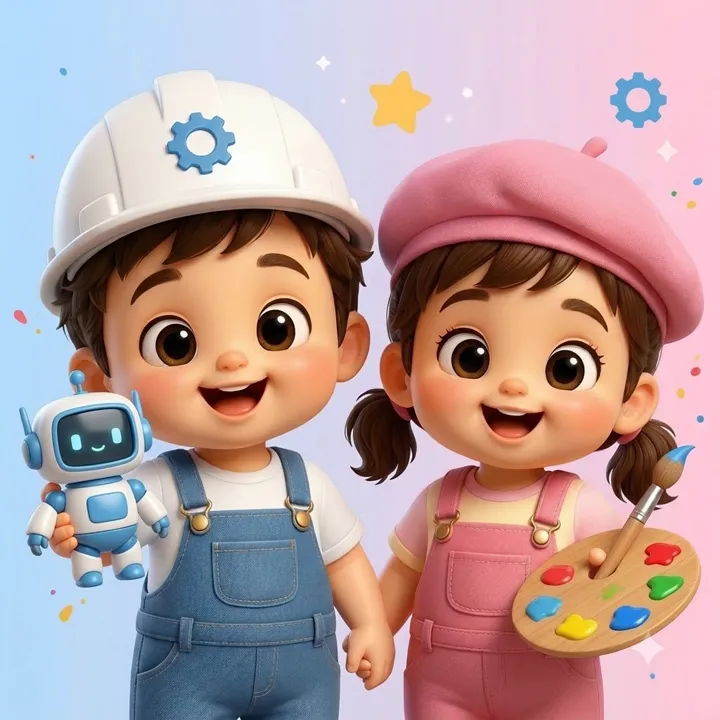
Build real games in Scratch, starting from zero
No ready-made code, no magic tricks. Every video opens an empty Scratch project. Bina & Bimo drag in one block at a time, explain why it is there, click the green flag to test, and fix bugs right in front of you, until you have a game you can actually play.
- Long 16:9 lessons with chapters: one whole game from start to finish.
- Bite-size vertical Shorts: one skill per clip, in about a minute.
- Real coding ideas: events, conditions, loops, variables, lists, clones, broadcasts.
- Download the pixel-art Bina & Bimo sprites and backdrops (link in each description) and build along.
- Every video ends with an “All the code” page: pause and copy.
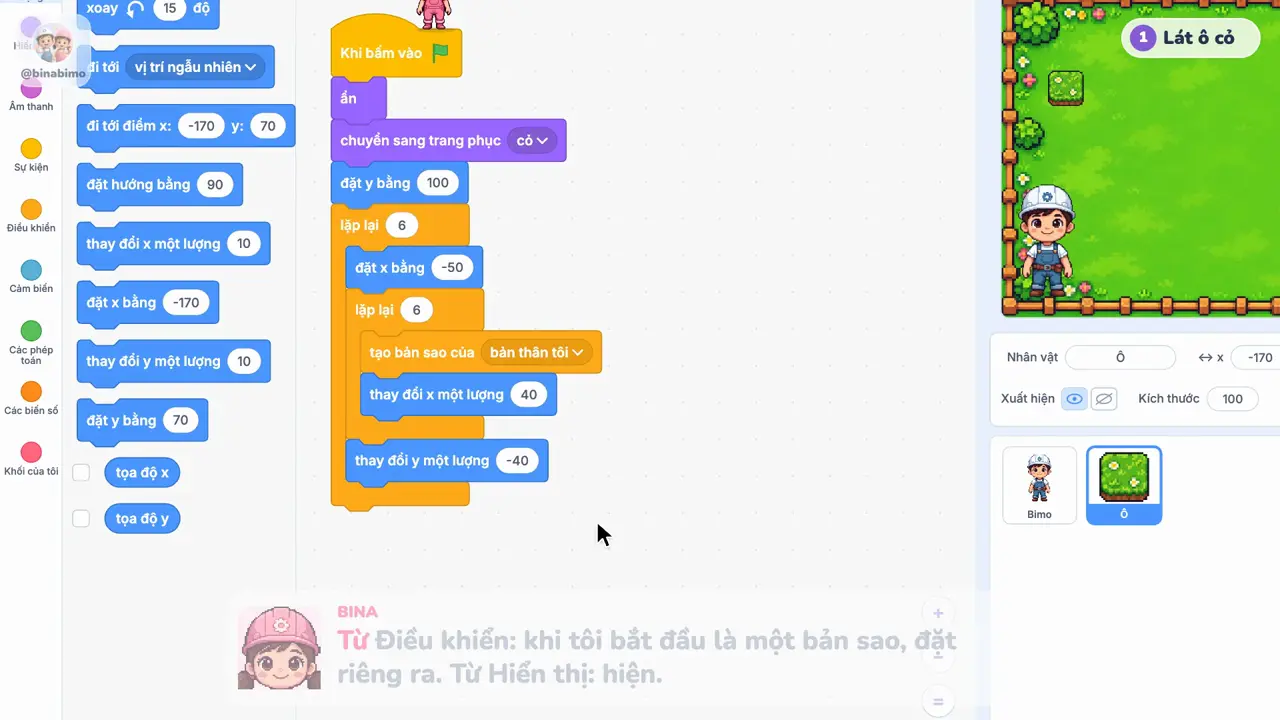
37 games with step-by-step videos
Every game stars Bina & Bimo, and you can build every one yourself.
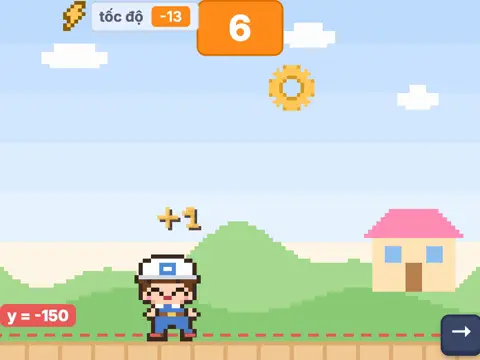 Bimo Catches Gears
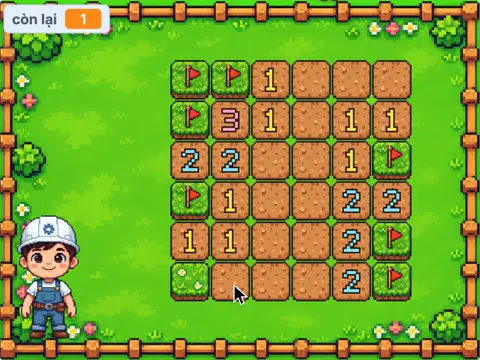 Minesweeper
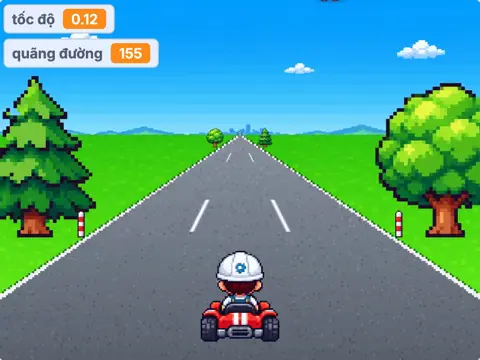 2.5D Racing
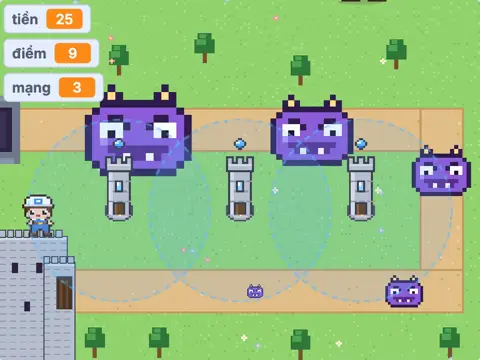 Castle Defense
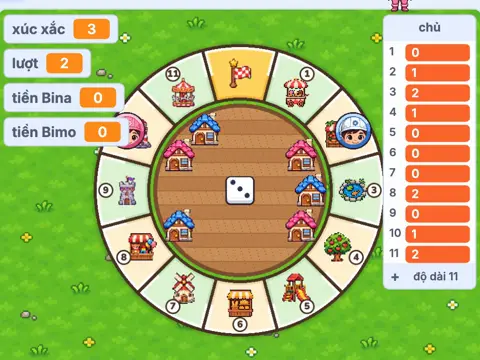 Mini Tycoon Board Game
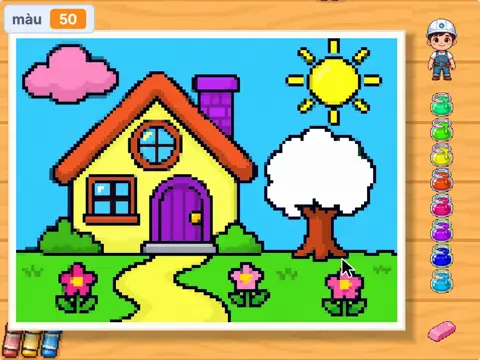 Coloring Book
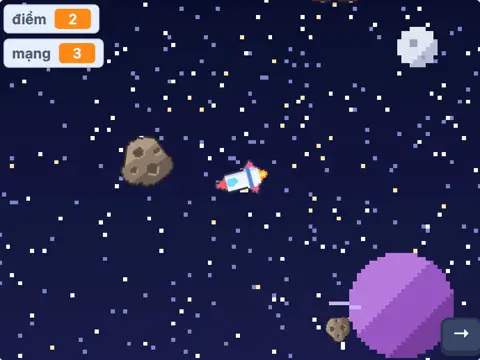 Spaceship vs Asteroids
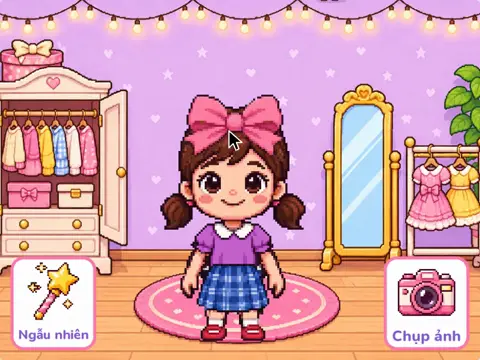 Bina's Dress-Up
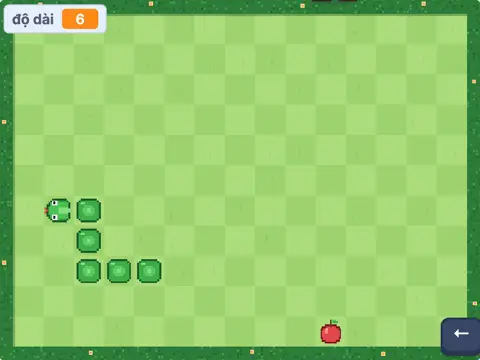 Snake
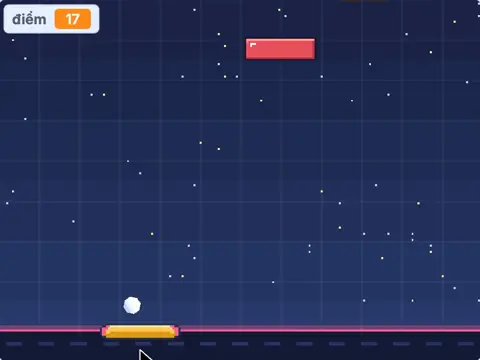 Brick Breaker
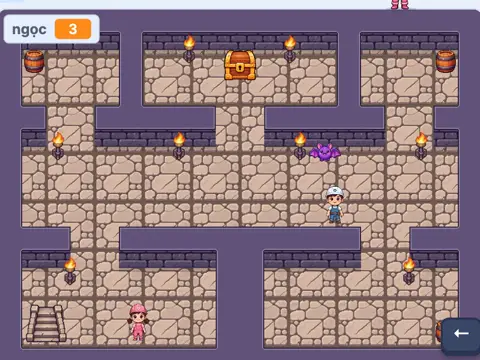 Dungeon Quest
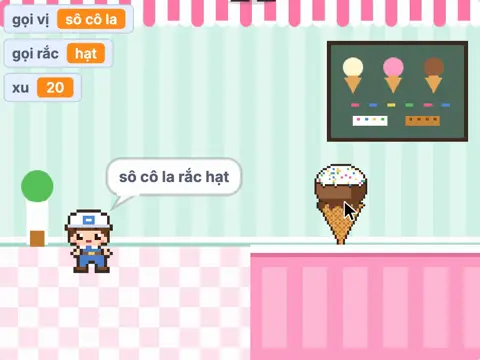 Bina's Ice Cream Shop
Show 25 more gamesShow less
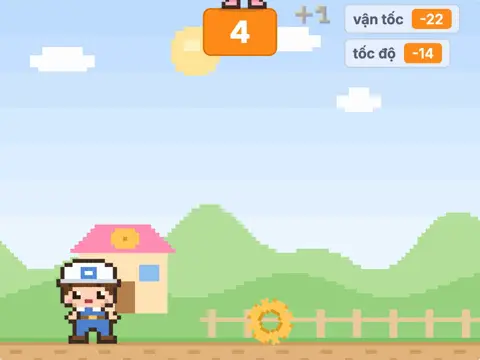 Jump Over the Gears
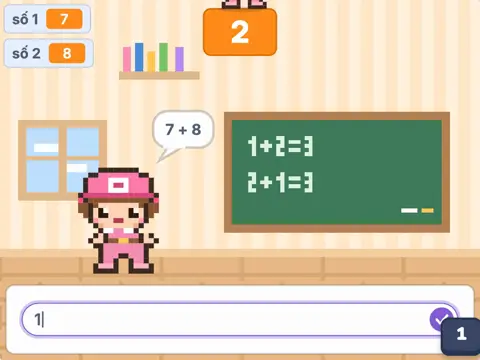 Bina's Math Quiz
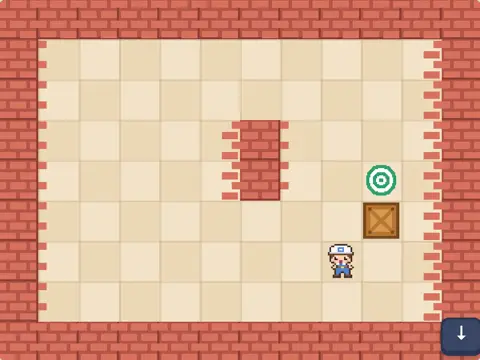 Bimo Pushes Boxes
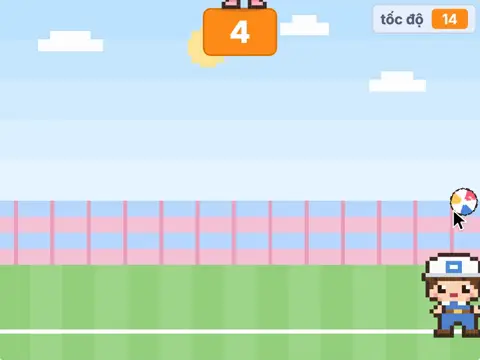 Bimo Keeps the Ball Up
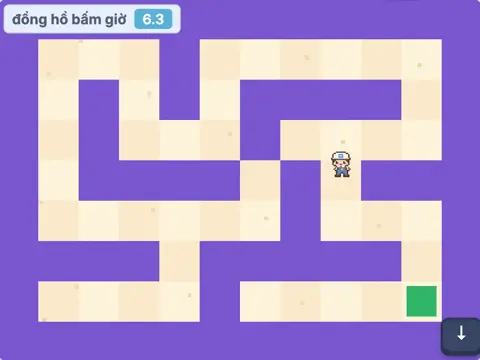 Bimo's Maze Escape
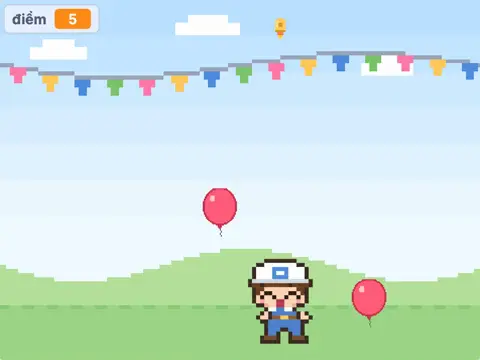 Bimo Pops Balloons
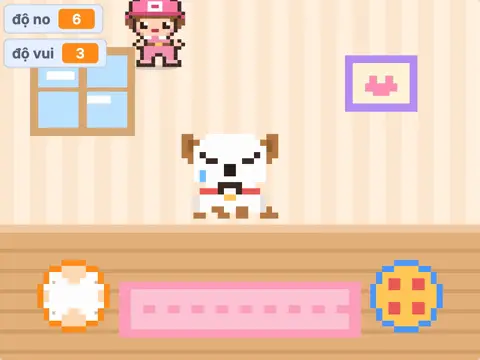 Bina's Virtual Pet
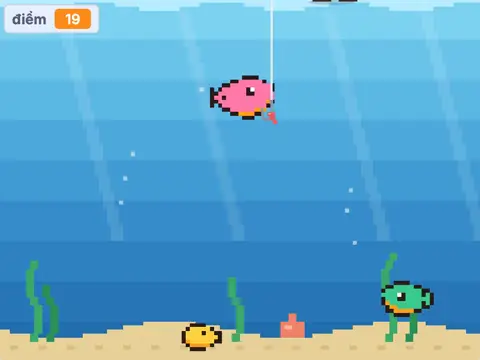 Bina Goes Fishing
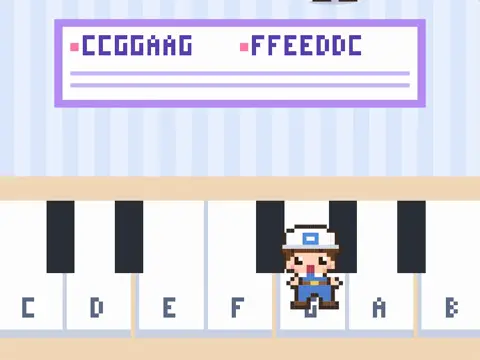 Bimo's Piano
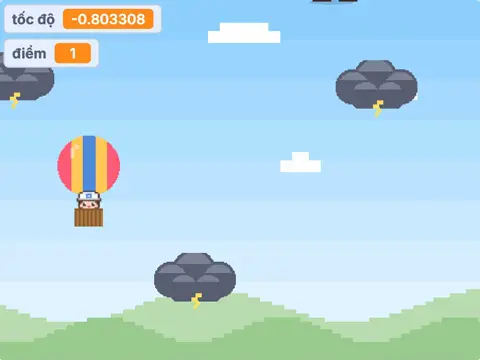 Balloon vs Storm Clouds
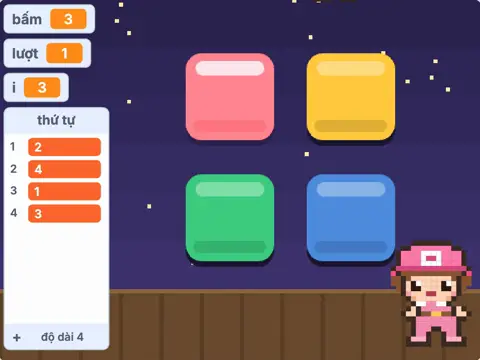 Remember the Lights
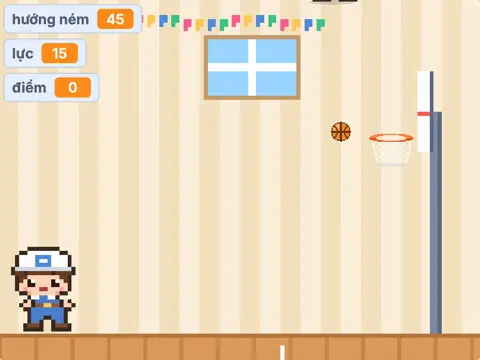 Bimo Shoots Hoops
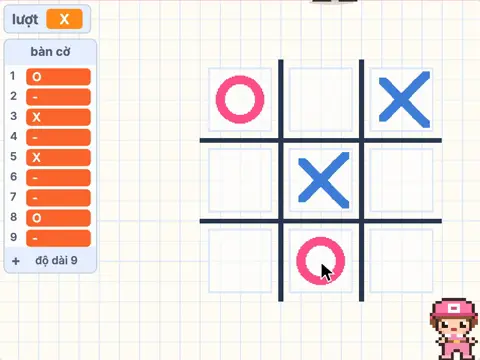 Tic-Tac-Toe
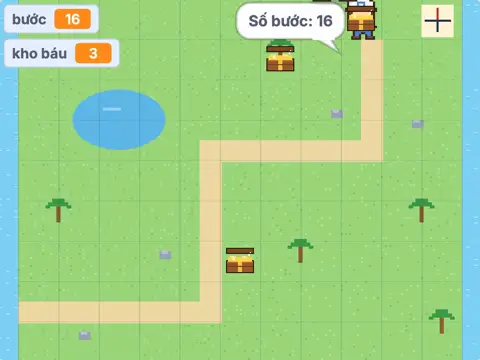 Treasure Hunt on a Grid
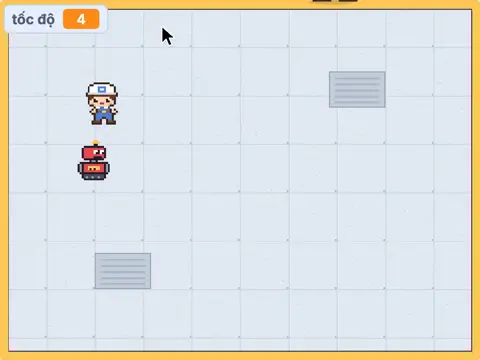 Robot Chase
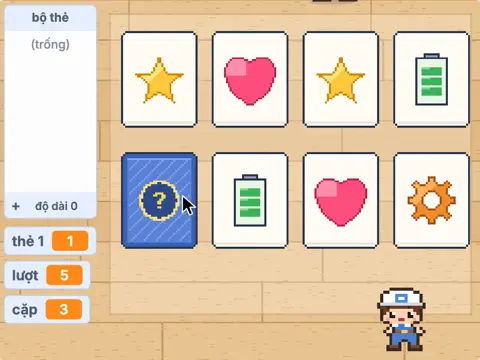 Memory Card Match
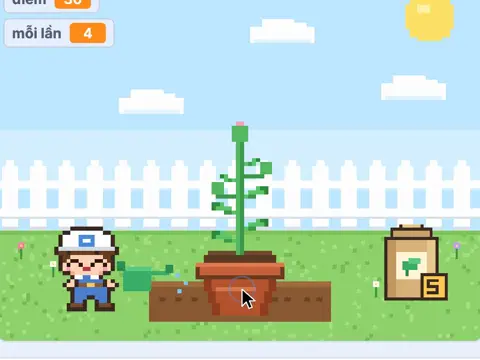 Bimo Grows a Plant
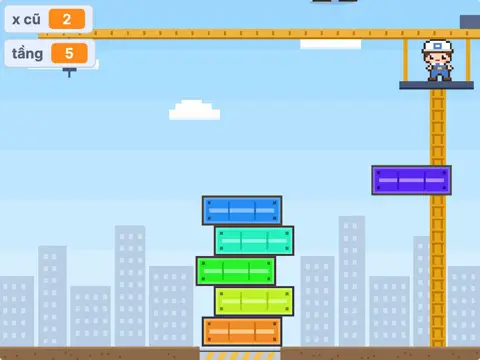 Tower Stacker
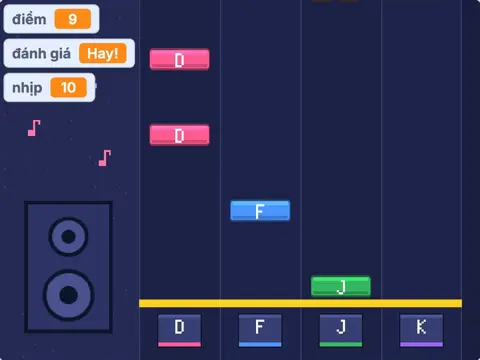 Rhythm Game
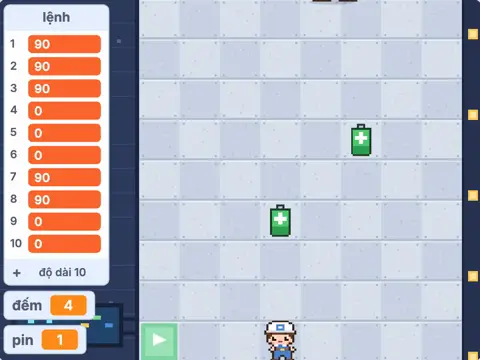 Program the Robot
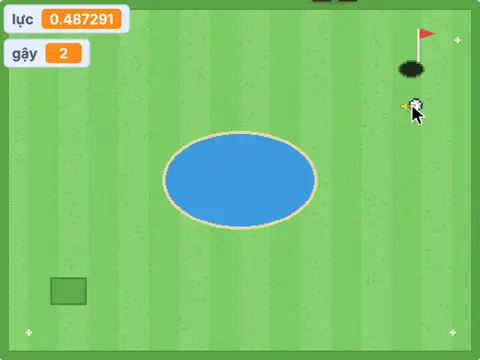 Mini Golf
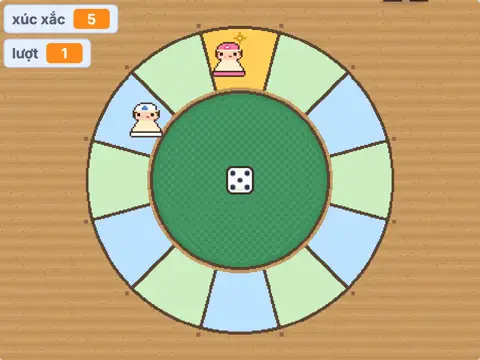 Mini Ludo for Two
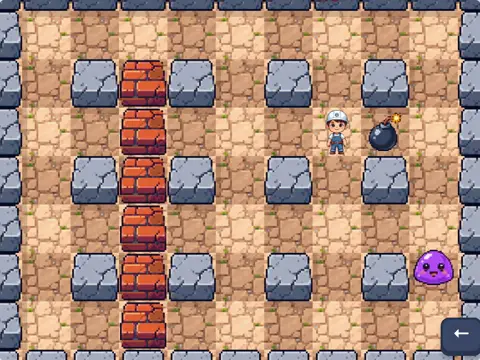 Bomb Maze
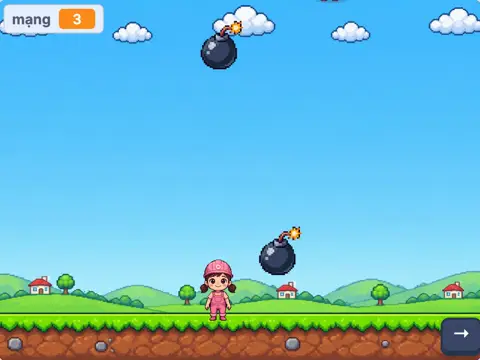 Bina Dodges Bombs
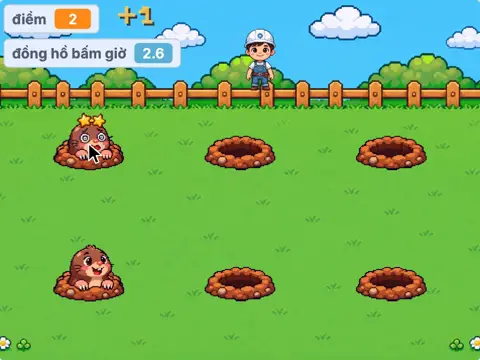 Whack-a-Mole
Draw with Bina & Bimo: better with every picture
Bina & Bimo lie on a colourful rug, a sheet of paper each, and draw with you line by line. Light pencil shapes first, then the outline, then bright crayons. Now and then Bimo gets it a little… wrong, everyone has a good laugh, and then you fix it together.
- A 25 to 85 second vertical Short for every picture; harder pictures also get a slow, detailed 16:9 lesson.
- A different twist each time: guess the picture, Bimo’s funny extras, colouring together. Never boring!
- The paper in the video faces you, so every line is easy to follow.
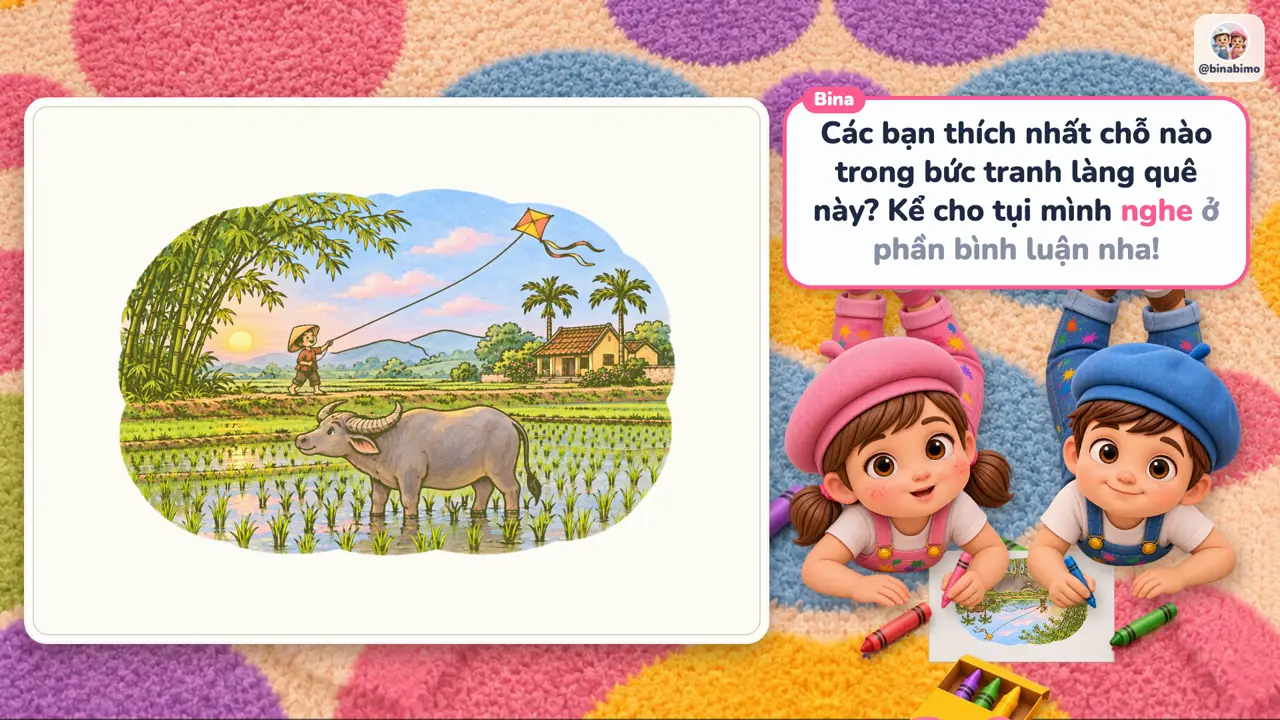
5 drawing levels, every step within reach
Start with a few circles, work up to a real painting.

1Very easy
One thing from 1 to 3 basic shapes or a number: a 2 turns into a swan, circles turn into a cat.
2Easy
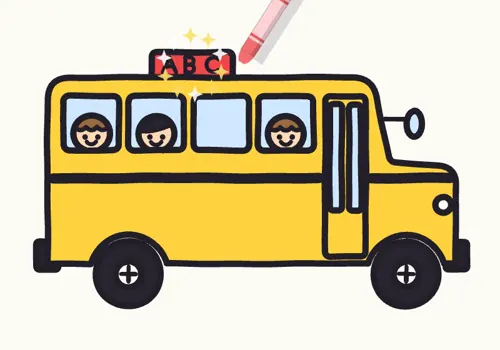
One thing with many parts and small details: a bus, a crab, a fairy-tale castle.

3Medium
A whole picture with a scene: a farm, camping in the woods, a balloon over the mountains.

4Hard
Free curves, the right shapes, lots of detail: a prowling tiger, a leaping dolphin, a flying dragon.

5Like an artist
A real painting with light and shade: a Vietnamese village, a Mid-Autumn night, a kitten on a rainy day.
Code real robots with micro:bit
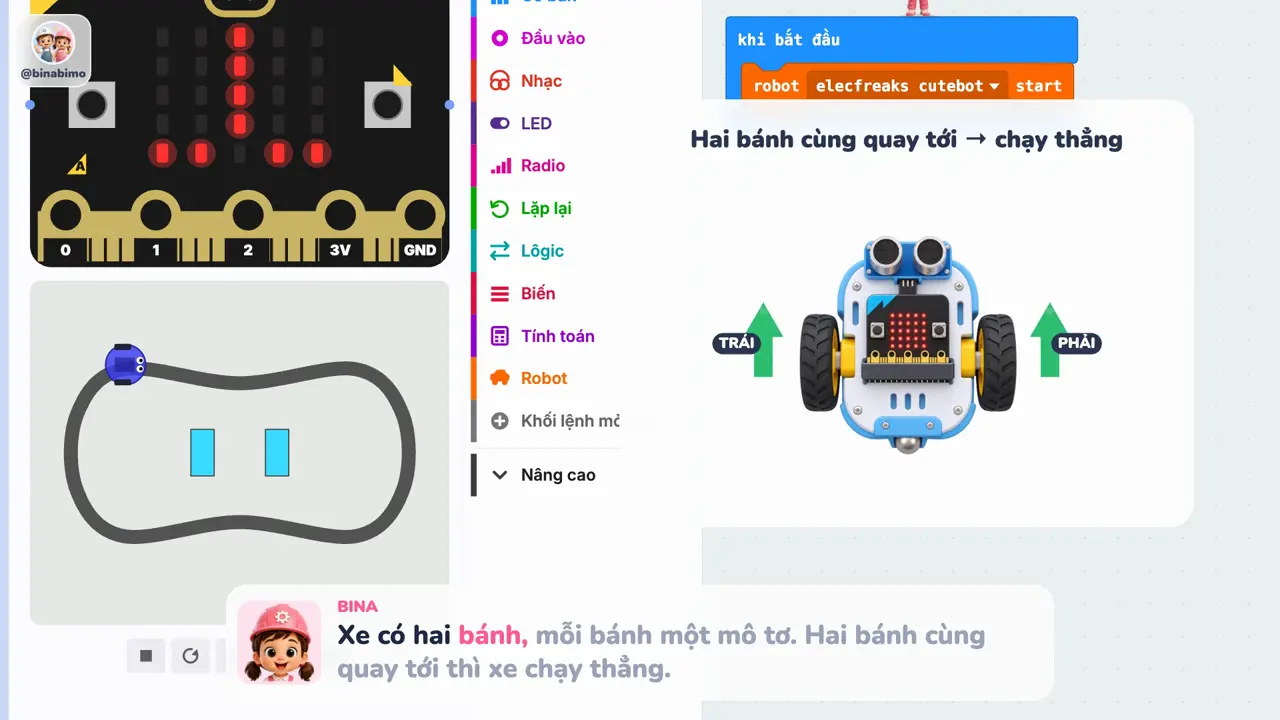
Robots are not just for looking at! Bina & Bimo write programs with MakeCode blocks, test them in the simulator right in the browser, then load them onto a real micro:bit robot car that drives itself, dodges obstacles, follows a black line and… fights sumo!
- Works in the simulator and on real cars such as Cutebot, Maqueen and Tiny:bit.
- One long 16:9 video per lesson, from the first command to a self-driving car.
- Sensors explained with pictures: line-following eyes, the distance sensor, buttons A and B.
Course 1: the micro:bit robot car, 18 lessons in 4 stages
From easy to hard, each lesson builds on the last.
Stage 1 · Meet the car
- Go straight, turn left, turn right
- Drive with buttons A and B
- Draw a square with a loop
- Dance to music
- Make your own “turn right 90°” block
Stage 2 · Distance sensor
- Dodge obstacles by itself
- Show the distance on the LEDs
- Slow down near a box
- Follow your hand
- Sumo car pushes the box
Stage 3 · Line sensors
- Follow the black line
- Patrol the line, stop at a box
- Race 3 laps, count with a variable
- Turn signals when turning
Stage 4 · Sensors and many cars
- Headlights that turn on in the dark
- Shake alarm
- Remote control by tilting a second micro:bit
- Two cars talk over radio
Planned after course 1: Python in MakeCode, a servo gripper arm, a smart home, a weather station, mazes and algorithms, an AI camera.
Game apps: try on a career with Bina & Bimo
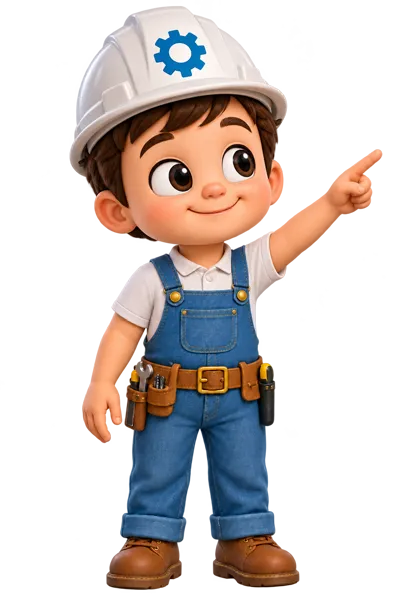
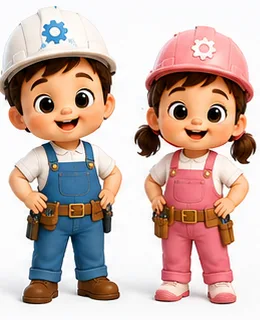
Something brand new from Bina & Bimo: games for phones and tablets where you get to try the coolest jobs. Put on a hard hat and build machines with engineer Bimo, cook something delicious with chef Bina, or slip on a white coat and look after your friends at the clinic…
Engineer
Build, fix and invent machines.
In development
Chef
Pick ingredients, cook tasty dishes, decorate cakes.
In development
Doctor
Check-ups, bandages and care for your friends.
In development
…and many more jobs to come. Follow the channels to hear the moment a game launches!
Where to watch Bina & Bimo
Follow us so you never miss a new video. We make videos in English and Vietnamese.